 MetaTrader 4
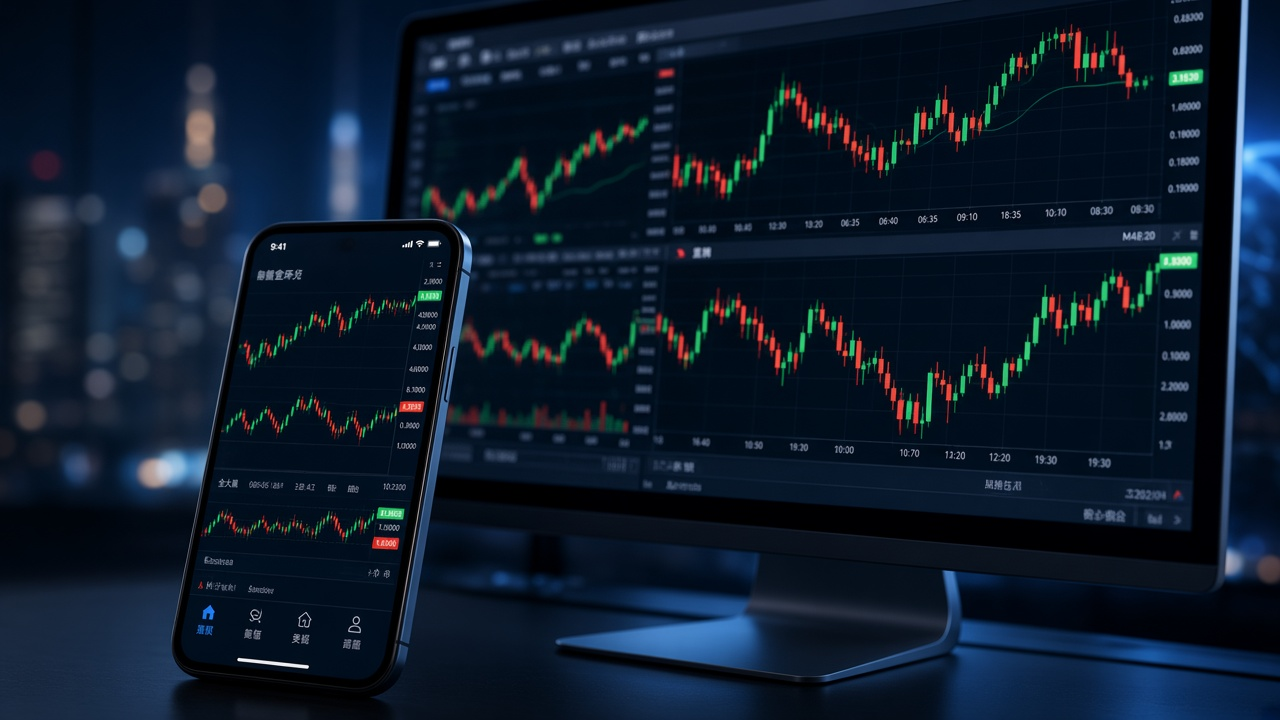
Charts and technical analysis
Work across 9 timeframes with 30 built-in technical indicators and 24 analytical objects, while keeping multiple charts open for side-by-side market analysis.
MetaTrader 4 brings forex quotes, interactive charts, technical analysis, order and position management, MQL4 and Expert Advisors into one trading terminal. It supports both discretionary trading and automated strategies, while the connected broker account determines available instruments, prices, spreads and execution conditions.
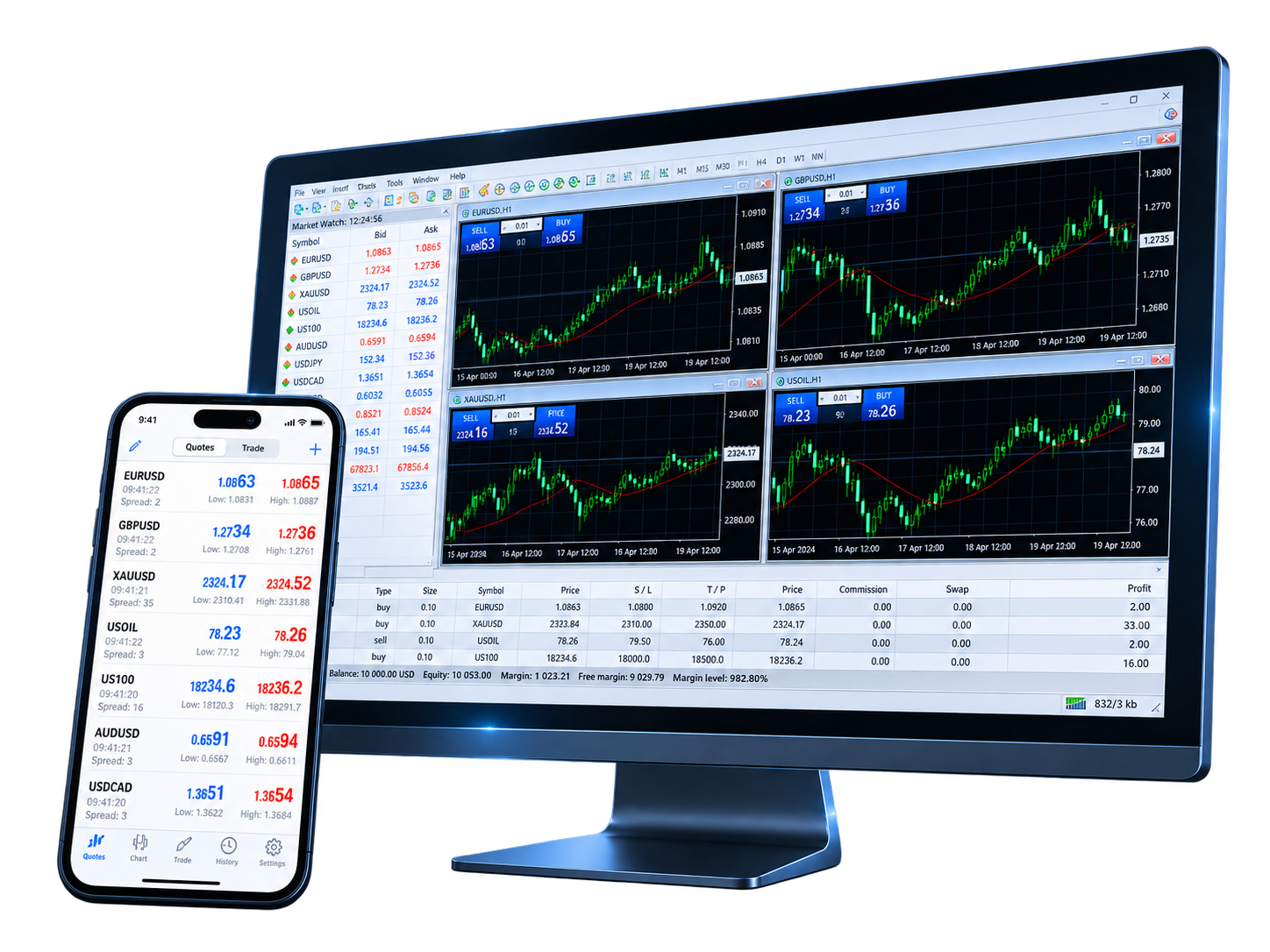
MetaTrader 4 keeps market analysis, trade execution and automated strategies connected in the same environment. Move from charts to orders without breaking the workflow, or extend the desktop terminal with MQL4 applications when a strategy is ready to become systematic.
Explore trading markets →
Work across 9 timeframes with 30 built-in technical indicators and 24 analytical objects, while keeping multiple charts open for side-by-side market analysis.

Build Expert Advisors, custom indicators and scripts in MQL4, then use MetaEditor and Strategy Tester to develop, test and refine automated trading programs.
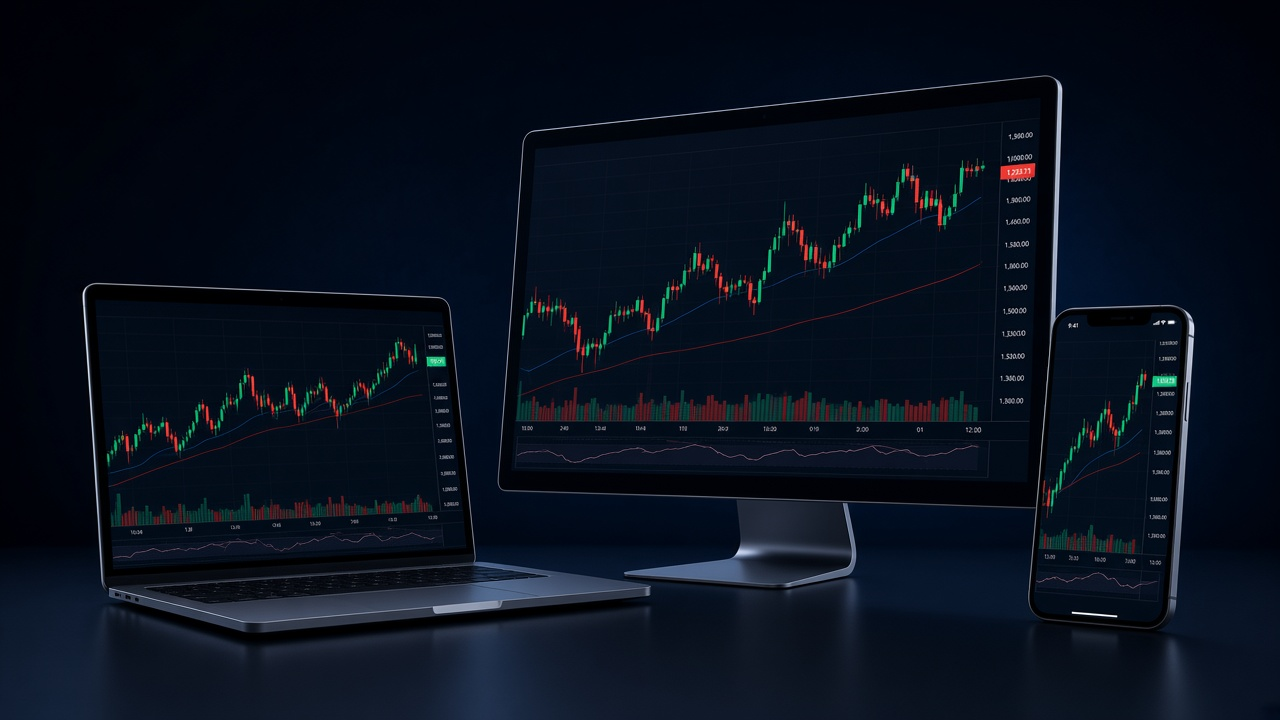
Use the desktop terminal for the complete MQL4 and automation workflow, then stay connected through iPhone, iPad or Android for quotes, charts, orders and account monitoring.
MetaTrader 4 is widely used for forex trading, while some brokers also provide metals, energy, indices, stock CFDs or other instruments through the same platform. What appears in your terminal depends on the broker server, account type and region.
View trading instruments →Major, minor and cross currency pairs offered on the connected account

Gold, silver and other metals where supported by the broker

Oil, natural gas and related instruments where available

Index instruments and contract terms supplied by the broker

Stock CFDs where they are included in the account offering

Other instruments may vary by broker, account type and region

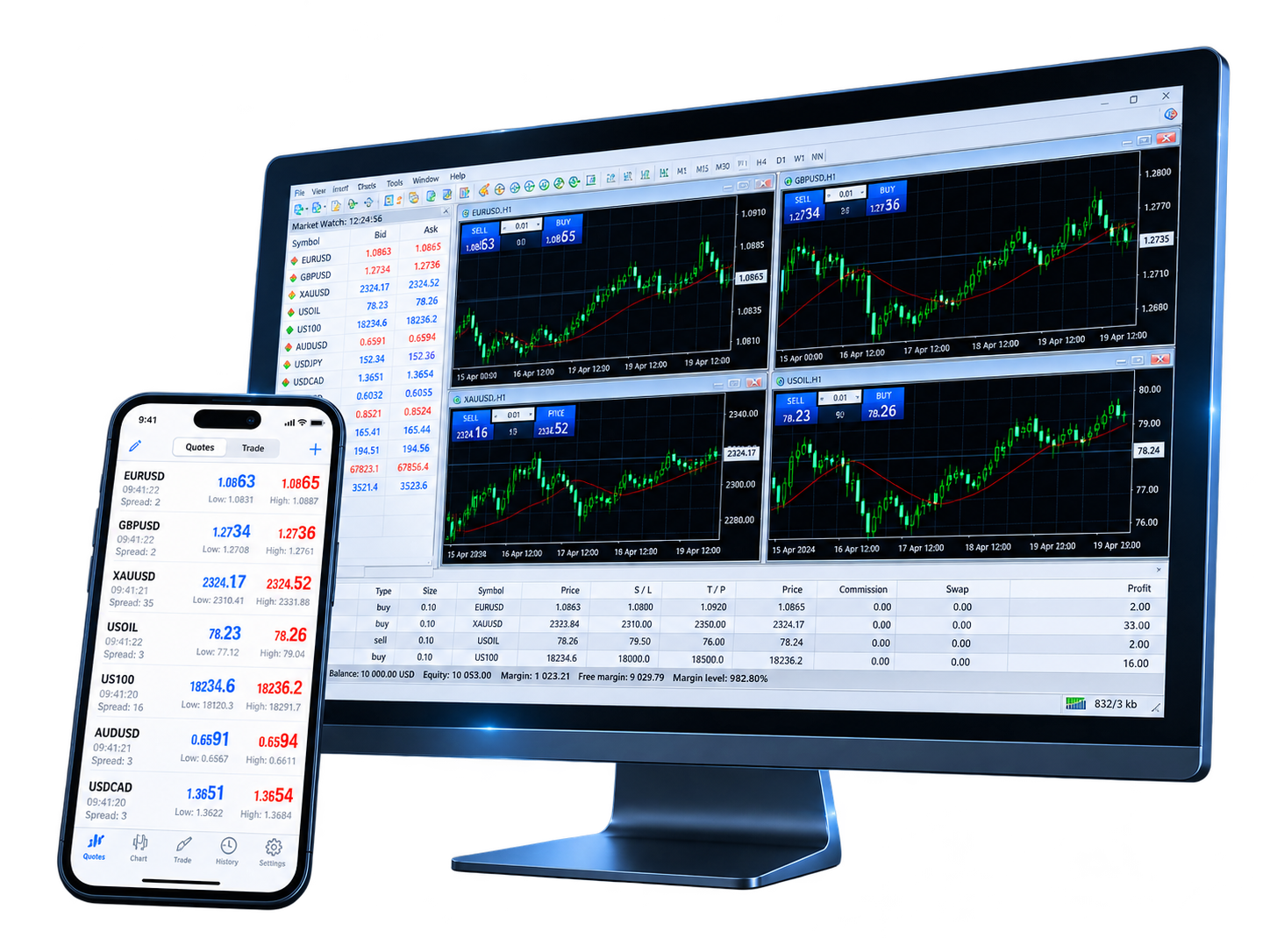
MetaTrader 4 keeps charts, technical indicators, orders, positions and MQL4 applications within one desktop workspace. That continuity matters: analysis can lead directly into trade management, while repeatable rules can be developed further through Expert Advisors and Strategy Tester.


The desktop terminal combines established charting and order controls in a compact trading environment. Execution modes available to an individual account or symbol still depend on the broker server.

Public user reviews highlight the strengths traders value most — mobile access, straightforward navigation and charting — while also pointing to practical improvements they still want around alerts, chart controls and SL/TP management.

Found MT4 relatively easy to learn and navigate, but wants a faster way to adjust Stop Loss and Take Profit from the chart when several trades are open.

Likes the mobile-friendly layout and simple operation, while asking for finer chart zoom controls, more indicators and reusable order settings.

Uses the demo environment to learn currency trading without putting real money at risk, and values being able to practice with live-market movement.

Values the freedom to analyze markets and execute trades away from a desktop, describing mobile access as a major part of the MT4 experience.

Praises the progress of MT4 mobile charting and navigation, while still wanting price alerts and closer feature parity between iPhone and iPad.

Uses the demo account as a learning tool and appreciates having charts, Stop Loss and Take Profit controls available before moving to real-money trading.

A concise introduction to MT4, its broker connection, charting tools, Expert Advisors and the role of desktop and mobile terminals.
MetaTrader 4 is a forex trading platform for chart analysis, order and position management, and automated trading through MQL4 and Expert Advisors. To install the terminal, use the download page and choose the version that matches your device.
MT4 connects to accounts through a broker trading server. Demo accounts normally use virtual funds, while live accounts involve real funds and market risk. You can compare the demo account and live account setup before choosing which environment to use.
MetaTrader 4 supports 2 market orders, 4 pending order types, Stop Loss, Take Profit and Trailing Stop. The execution modes available for a specific account or instrument depend on the broker server.
The desktop terminal includes interactive charts, 9 timeframes, 30 built-in technical indicators and 24 analytical objects. Quotes inside MT4 come from the broker server, while the market display on this homepage is provided by TradingView for reference.
Expert Advisors are MQL4 programs that can analyze markets and perform trading operations according to programmed rules. MetaEditor and Strategy Tester support the development, testing and optimization workflow on the desktop terminal.
MetaTrader 4 provides the trading software. The broker provides the account, server connection, prices, available instruments, spreads, leverage and execution conditions. For login and account questions, see the FAQ.
Select the terminal that fits your device, then connect the broker account and server assigned to you. Desktop delivers the complete analysis and Expert Advisor workflow, while mobile keeps the account within reach.