 MetaTrader 4

MetaTrader 4 for Windows
The primary desktop environment for multi-chart analysis, order management, MQL4, Expert Advisors and Strategy Tester.
 Download now
Use the current installer to confirm Windows compatibility
Download now
Use the current installer to confirm Windows compatibility
Choose Windows or Mac for the complete desktop environment with advanced charting, order management, MQL4, Expert Advisors and Strategy Tester. Use iPhone, iPad or Android when you need the account on the move, or open WebTrader when browser access is the more practical option.
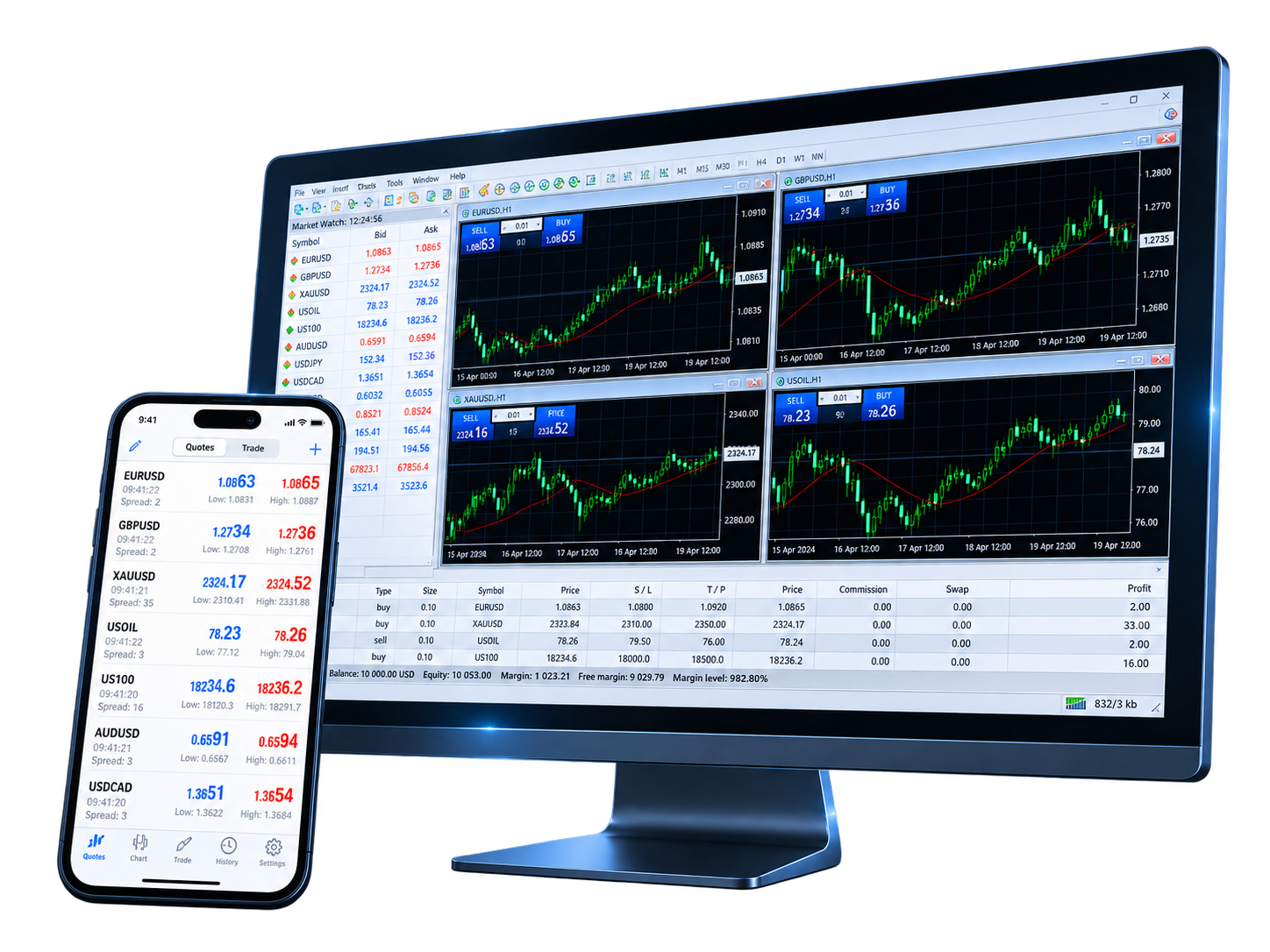
The account connection is familiar across versions, but the workflow is different. Desktop is built for deeper analysis and automation; mobile keeps quotes, charts and positions within reach; WebTrader gives you a direct browser route when local installation is not practical.
The primary desktop environment for multi-chart analysis, order management, MQL4, Expert Advisors and Strategy Tester.
Download now
Use the current installer to confirm Windows compatibility

A desktop MT4 environment for macOS users who need charting, trading tools and access to the MQL4 workflow.
 Download now
macOS compatibility depends on the current linked package
Download now
macOS compatibility depends on the current linked package
Access real-time quotes, interactive charts, 9 timeframes, 30 indicators, 24 analytical objects, orders and account history on iOS.
 Download on the App Store
Current device requirements are listed on the App Store
Download on the App Store
Current device requirements are listed on the App Store

Use real-time quotes, 9 timeframes, 30 indicators, 24 analytical objects, trading orders and account history on supported Android devices.
 Download now
Current device requirements are listed on Google Play
Download now
Current device requirements are listed on Google Play

Open MT4 in a browser for real-time quotes, charts, technical analysis and trading operations without installing desktop software.
 Use now
Requires a modern browser, internet access and a valid broker account
Use now
Requires a modern browser, internet access and a valid broker account
Installing MetaTrader 4 gives you the trading terminal. To load the account itself, you still need the correct broker server, account login and password. When those details match, MT4 can retrieve the quotes, symbols, balances and trading permissions assigned to that account.
Select Windows, Mac, iPhone/iPad, Android or WebTrader for the device you plan to use
Run the desktop installer, install the mobile app, or open WebTrader directly in your browser
Select the server name associated with the demo or live account you were given
Enter the account login and password, then check that quotes, symbols and account status load correctly
MT4 does not need to feel identical on every device. The desktop terminal is where analysis and automation go deepest; mobile keeps the account accessible between desks and devices; WebTrader offers a clean browser entry point when installing software is not an option.

Keep multiple charts open, use built-in indicators and analytical objects, manage orders and positions, and maintain a longer-running trading workspace.

Develop and compile MQL4 applications in MetaEditor, run Expert Advisors locally, and use Strategy Tester to test and optimize automated strategies on historical data.

iPhone, iPad and Android keep quotes, charts, technical tools, orders, positions and trading history available when you are away from the desktop terminal.

Open MT4 from a modern browser to view real-time quotes, use 9 timeframes and 30 indicators, and place trading operations without installing desktop software.
Operating-system support can change as installers, mobile apps and browsers are updated. Before installing, use the current desktop package, App Store listing, Google Play listing or WebTrader environment to confirm what your device supports.
| Platform version | Operating system | Processor | Memory | Storage | Other requirements |
|---|---|---|---|---|---|
| Windows | Current installer requirements | Compatible processor | Depends on terminal workload | See current installer | Internet connection |
| Mac | Current package requirements | See current package compatibility | Depends on terminal workload | See current package | Internet connection |
| iPhone / iPad | See App Store listing | Compatible Apple device | Managed by the device | See current app listing | App Store |
| Android | See Google Play listing | Compatible Android device | Managed by the device | See current app listing | Google Play |
| WebTrader | Modern web browser | — | Browser-managed | — | Use now |
Practical answers about choosing a terminal, installing MT4, signing in across devices, using WebTrader and understanding where Expert Advisors run.
Choose Windows or Mac when you need the complete desktop workflow with charting, MQL4, Expert Advisors and Strategy Tester. Choose iPhone, iPad or Android for mobile account access, or WebTrader when browser access is more convenient.
Usually, yes. Use the same account credentials and select the matching broker server on supported desktop, mobile and WebTrader terminals. Available symbols and trading permissions still depend on the broker account.
You need the account login, the relevant password and the broker server assigned to that account. If any of those details are wrong, MT4 may fail to connect or may not load the expected quotes and account information.
Desktop provides the deepest analysis and automation environment. Mobile focuses on quotes, charts, orders, positions and account access, while WebTrader provides trading and charting from a browser without local desktop installation.
Expert Advisor development, testing, optimization and local execution belong to the desktop MQL4 environment. The iOS and Android apps are designed for quotes, charts, orders, positions and account management rather than local EA runtime.
First confirm that the current installer or app supports the device. If MT4 opens but the account will not connect, check the broker server, account login, password and internet connection before troubleshooting chart or order settings.
Select the desktop, mobile or web terminal that fits your workflow, then connect the broker server and account credentials assigned to you.